 Canary
Canary
Canary
Canary unpacks and scores every QR code before it touches your device — giving you control over how, or if you want to proceed.

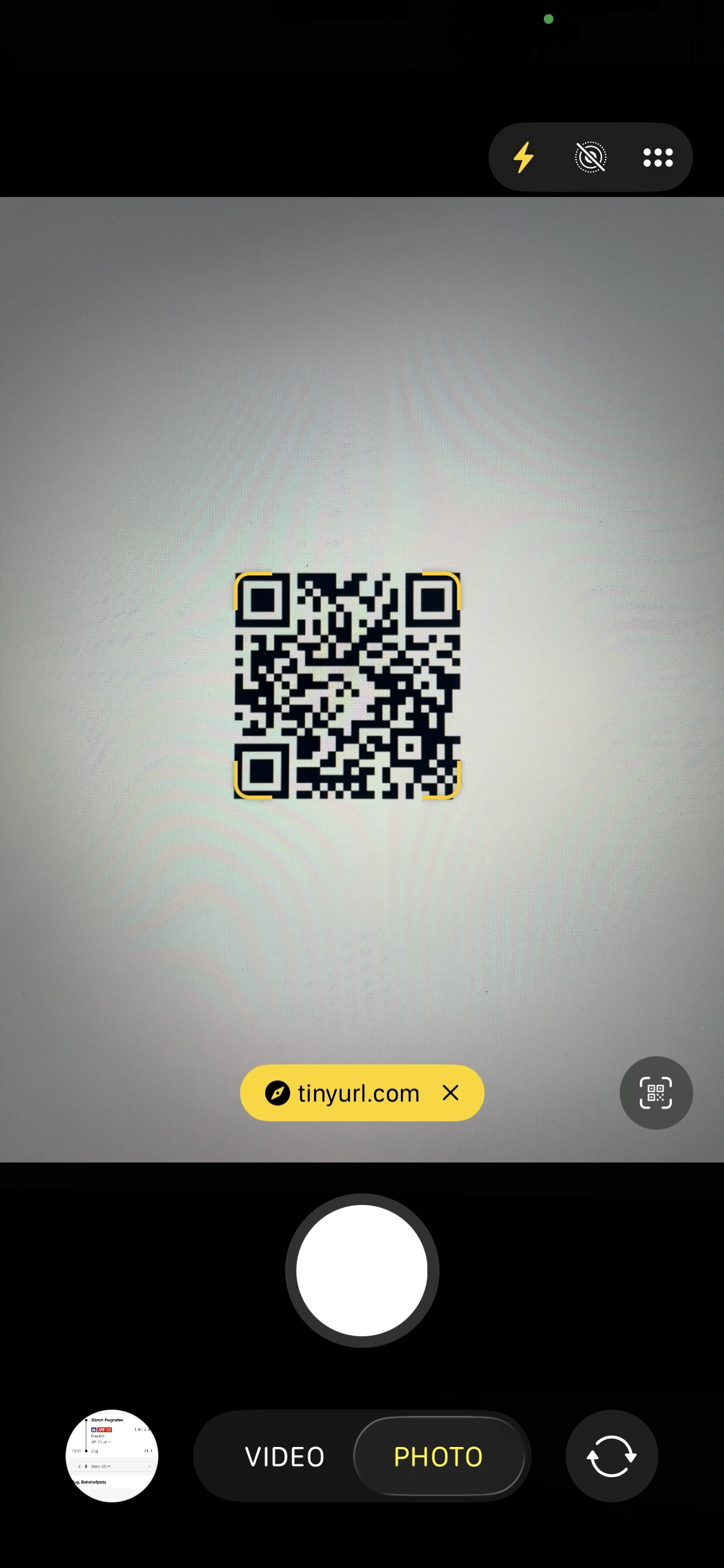
A QR code is not just an image. It’s a set of digital instructions for your phone. Your camera shows a short preview — a URL, a payment handle, or a network to join — and a button to continue.
But behind that button are instructions your phone blindly follows: open this link, send this payment, join this network. Encoded QR data can trigger dozens of integrations with your phone. You’re trusting a square with dots you can’t read.
That’s the part hijackers count on — a fake sticker over a real QR, a short link that hides the final destination, a payment code pointing at the wrong wallet. Before you know it, your device has acted and you’re screwed.
Scammers are slapping fake QR codes on parking meters and mailing them on unexpected packages.
QR-code phishing — now on the EU’s official threat radar.
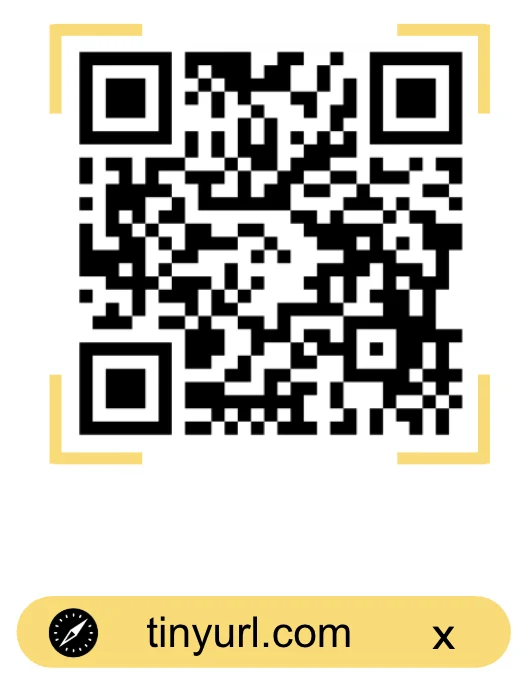
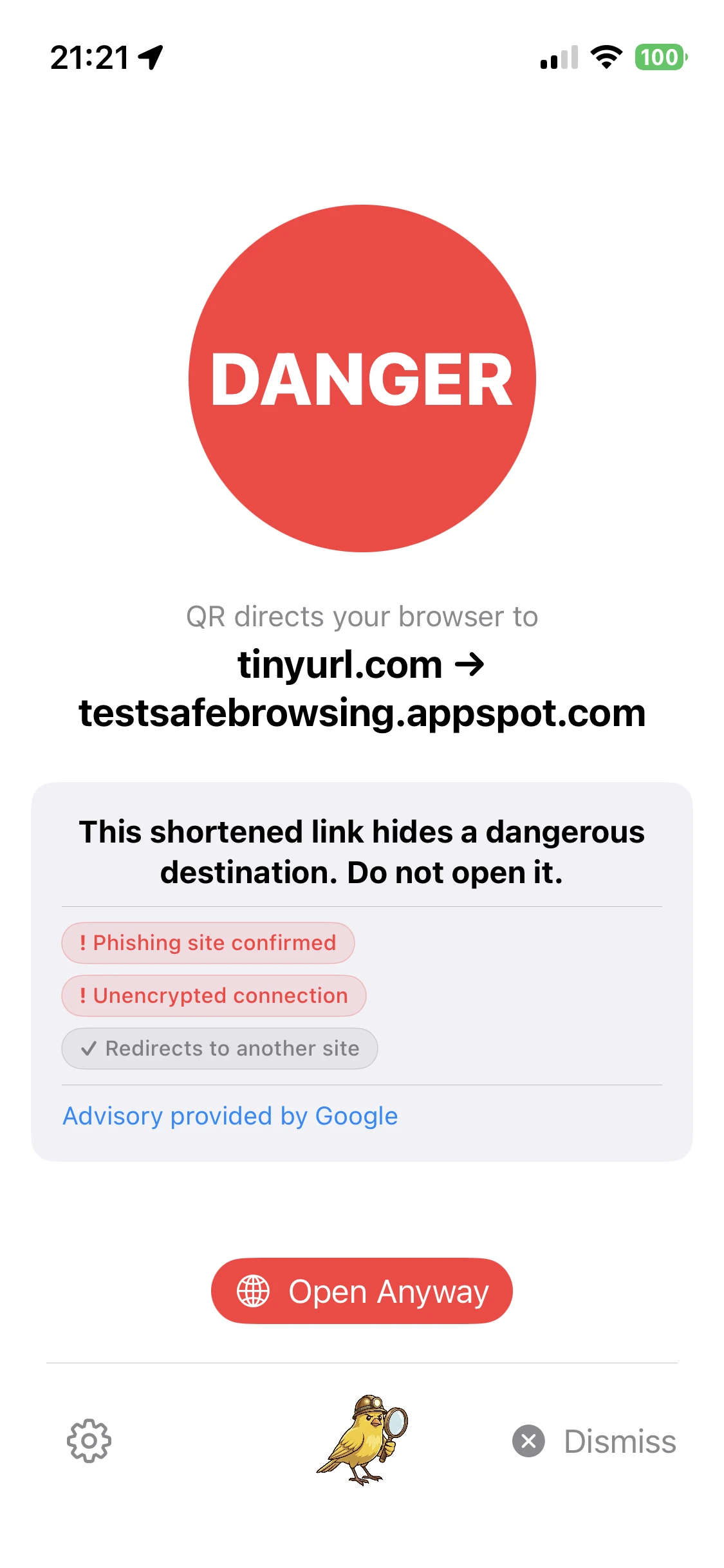
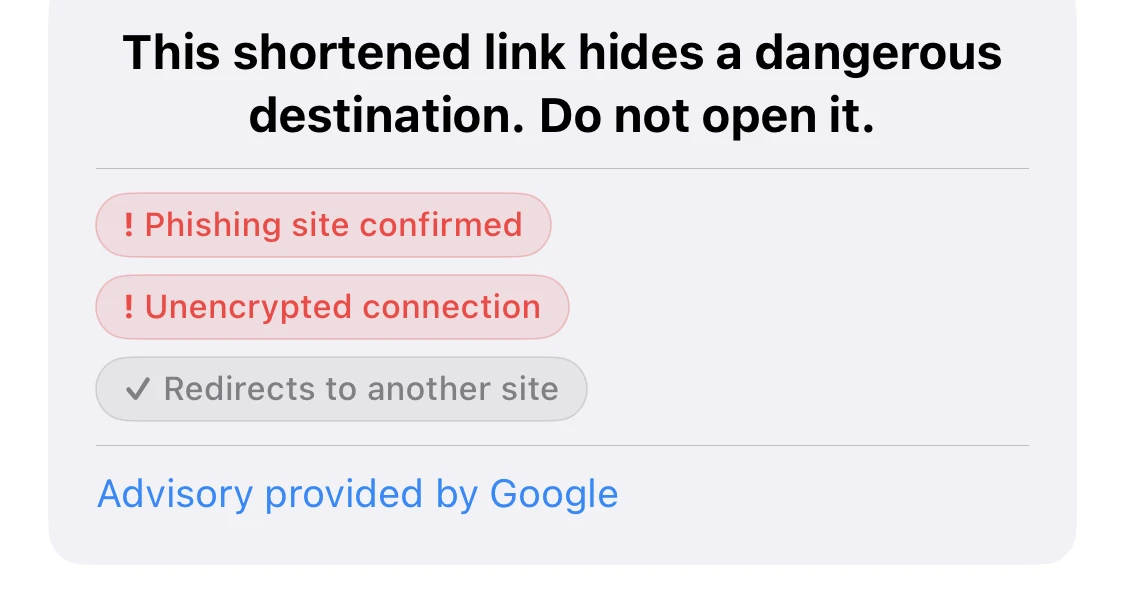
Canary expanded this shortened URL and found a phishing site.
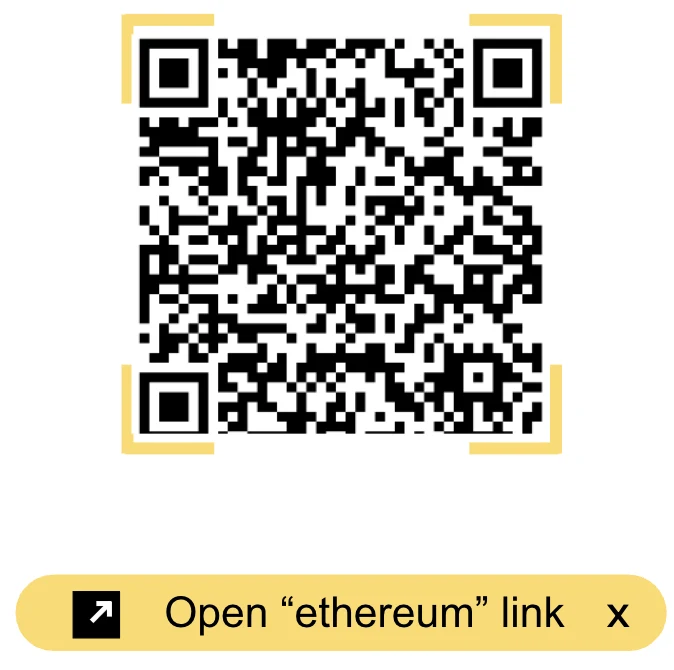
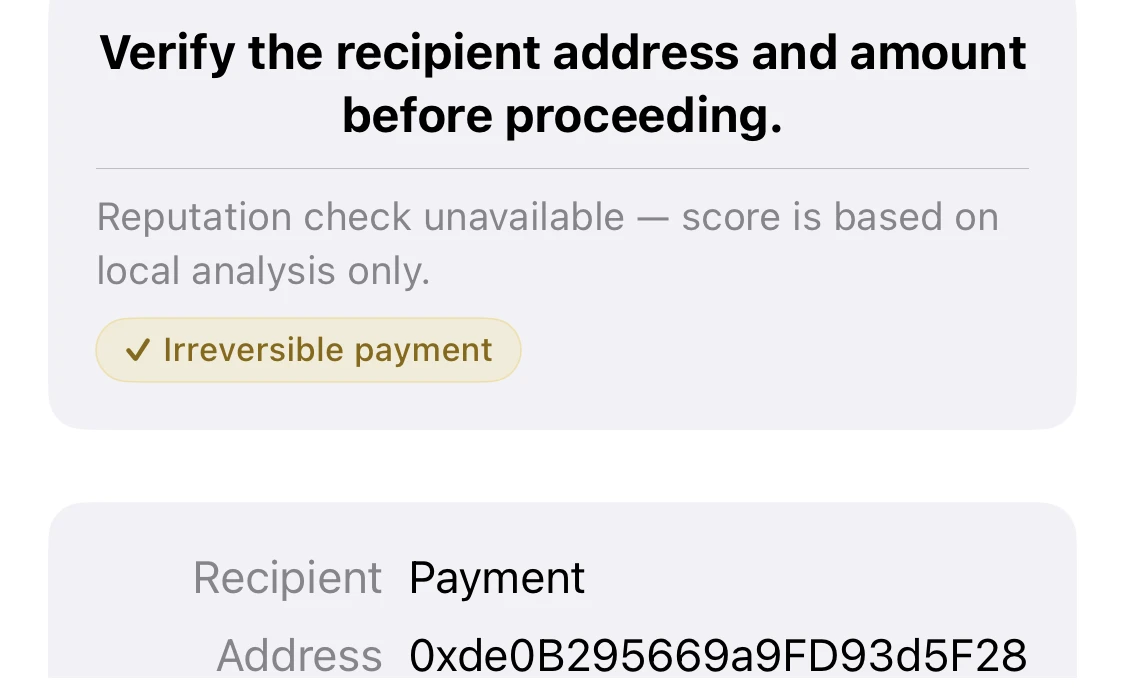
Canary revealed the recipient of the financial transaction.
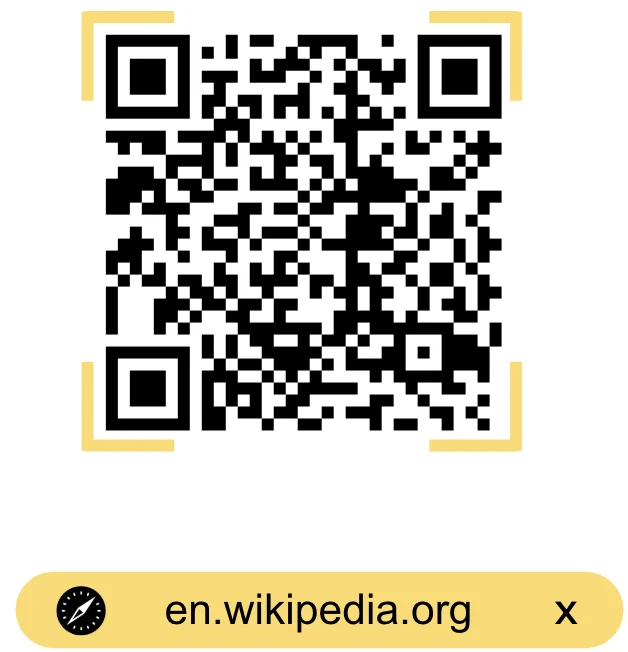
Canary verified the destination and removed in-URL trackers.
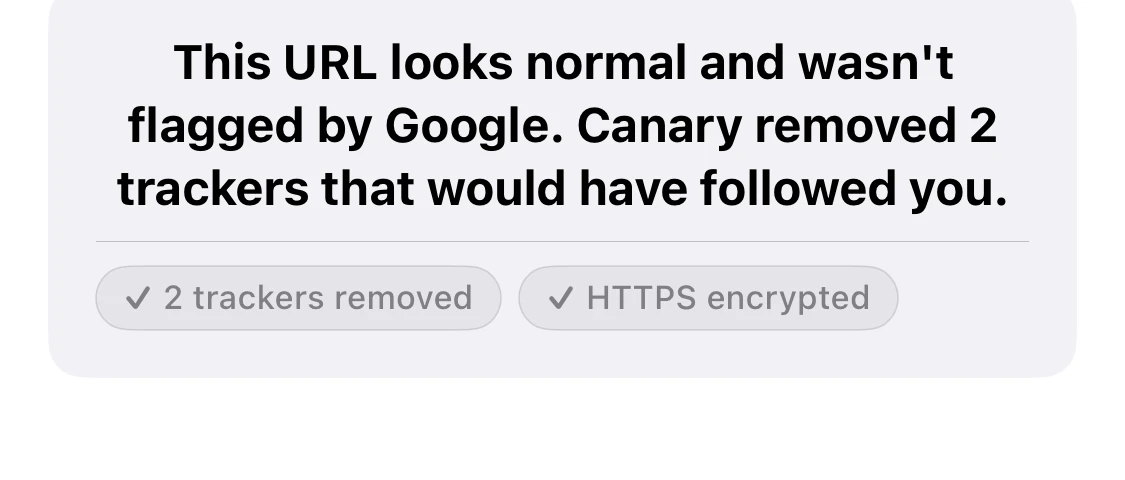
Canary understands all QR data types and assesses each integration instruction. It runs its own checks on-device and queries live reputation databases, so it catches new scams or exploits as they emerge.
Live, anonymous activity from people scanning with Canary.
Anonymous, aggregate numbers — we count the type of code and its risk level, never who scanned or what it contained. How the stats work →
Plus all the context you need to make the right decision — the real destination, the flags it found,
and what it means in plain language.
Canary is free on the App Store — no signup, no user tracking, no advertising.
Canary was built by people who don’t want to be tracked either. Your scans aren’t tied to your name, your email, or any identity — Canary never asks for them. All of Canary’s network checks — scoring and validation alike — run through our own servers, so your phone never connects directly to whatever is being checked. The only data we keep is anonymous stats and threat types — never the contents of what you scan.
Read the privacy policy →
Canary spreads fastest right where fake QR codes live — parking meters, menus, flyers, lamp posts. Print a sheet and leave a little “know before you click” sticker wherever you see a QR in the wild.
Sheets are laid out for Avery-style label paper (or any sticker sheet) in US Letter and A4. Peel, place, repeat — Thanks for helping raise awareness!
Peel-and-stick label sheets make bombing quick; plain sticker paper works too — just cut along the guides.
And if you want to share a photo, tag #canaryscan and post it, or send it to [email protected] and we’ll post it on our channels.